iRemove FMI OFF for iPhone SE2/XS/XR/11/12 [Open Menu]
id: 909369
iRemove FMI OFF for iPhone SE2/XS/XR/11/12 [Open Menu]
General information
Instructions
Warranty
Discontinued
General information
![iRemove FMI OFF for iPhone SE2/XS/XR/11/12 [Open Menu]](https://i02.psgsm.net/all-spares.com/p/909369/80/iremove-fmi-off-for-iphone-se2-xs-xr-11-12-open-menu.webp?73d2ce62858d64502c64e0807b4d1cdb)
![iRemove FMI OFF for iPhone SE2 XS XR 11 12 [Open Menu]](https://i04.psgsm.net/all-spares.com/p/909369/480/iremove-fmi-off-for-iphone-se2-xs-xr-11-12-open-menu.webp?73d2ce62858d64502c64e0807b4d1cdb)
Digital product. No refunds, no returns.
The order will be processed within 1 hour during business hours, starting from the moment we receive your full payment. and all the required information. We will send the beginner instructions to your email.
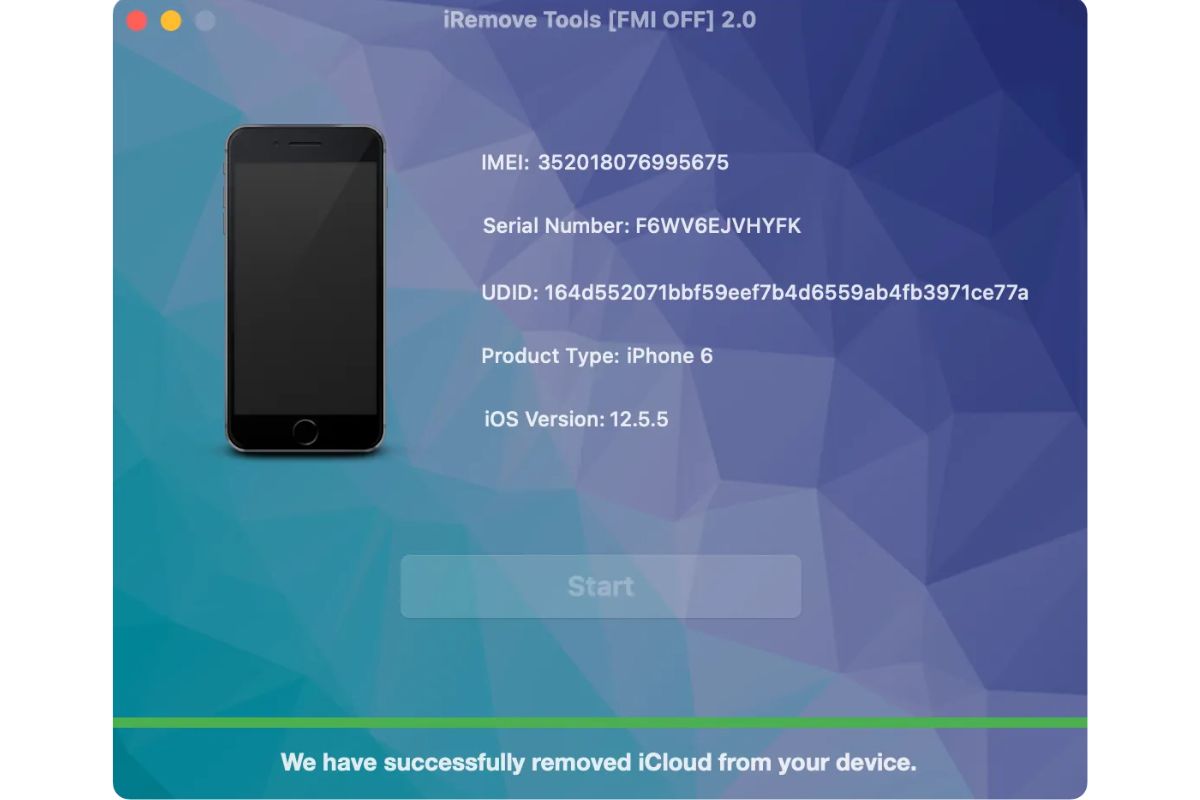
This operation allows you to Remove Apple ID instantly on iPhone SE2/XS/XR/11/12. All the iOS features and device functions will be available after operation is completed.
Attention! Before buying, you need to read the instructions
Discontinued
This operation allows you to Remove Apple ID instantly on iPhone SE2/XS/XR/11/12. All the iOS features and device functions will be available after operation is completed.
Supported Models
- iPhone 12 Pro Max
- A2342, A2410, A2412, A2411
- iPhone 12 Pro
- A2341, A2406, A2408, A2407
- iPhone 12
- A2172, A2402, A2404, A2403
- iPhone 12 Mini
- A2176, A2398, A2400, A2399
- iPhone SE (2nd generation)
- A2275, A2298, A2296
- iPhone 11 Pro
- A2160, A2217, A2215
- iPhone 11 Pro Max
- A2161, A2220, A2218
- iPhone 11
- A2111, A2223, A2221
- iPhone XS
- A1920, A2097, A2098, A2099, A2100
- iPhone XS Max
- A1921, A2101, A2102, A2103, A2104
- iPhone XR
- A1984, A2105, A2106, A2107, A2108
- iPhone X
- A1907, A1902, A1865, A1901
Supported iOS:
- from iOS 14.6 and up to 14.8
How it works
- While placing your order, indicate the IMEI of your iPhone. Where to find IMEI?
- When your order is completed, you will receive a notification to your email with detailed instructions.
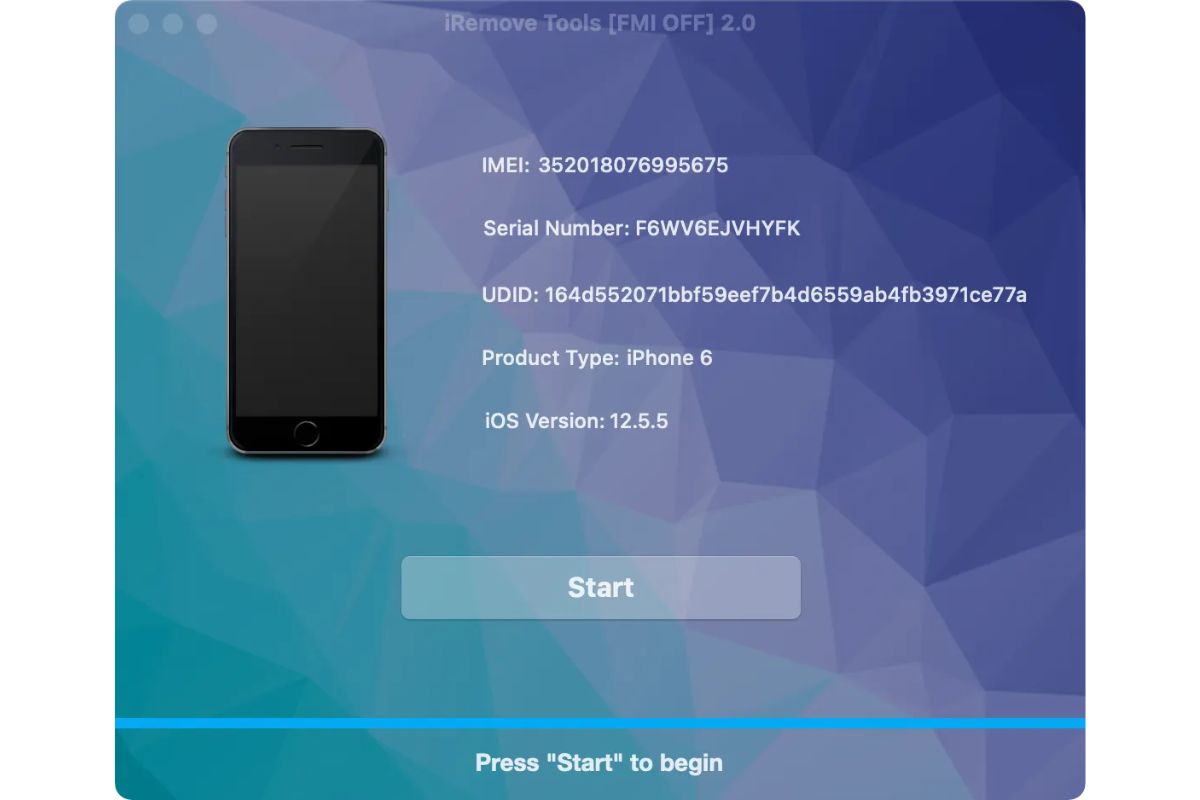
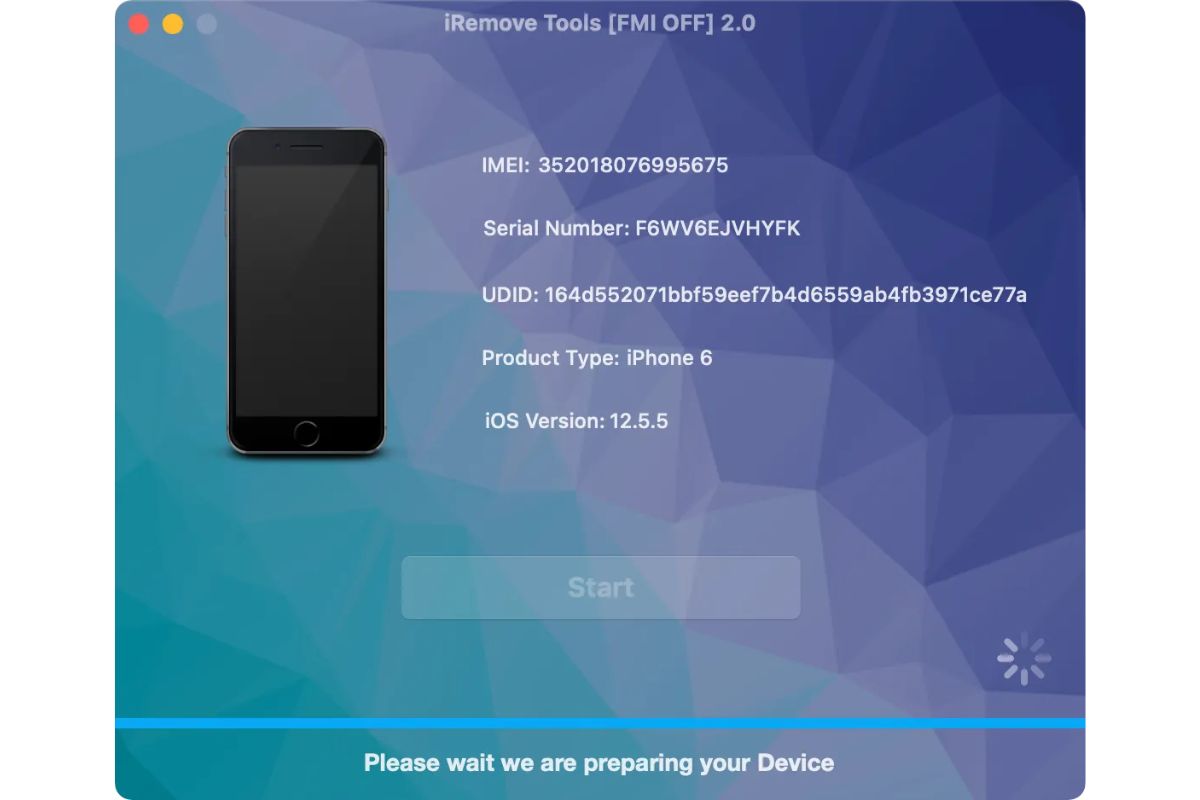
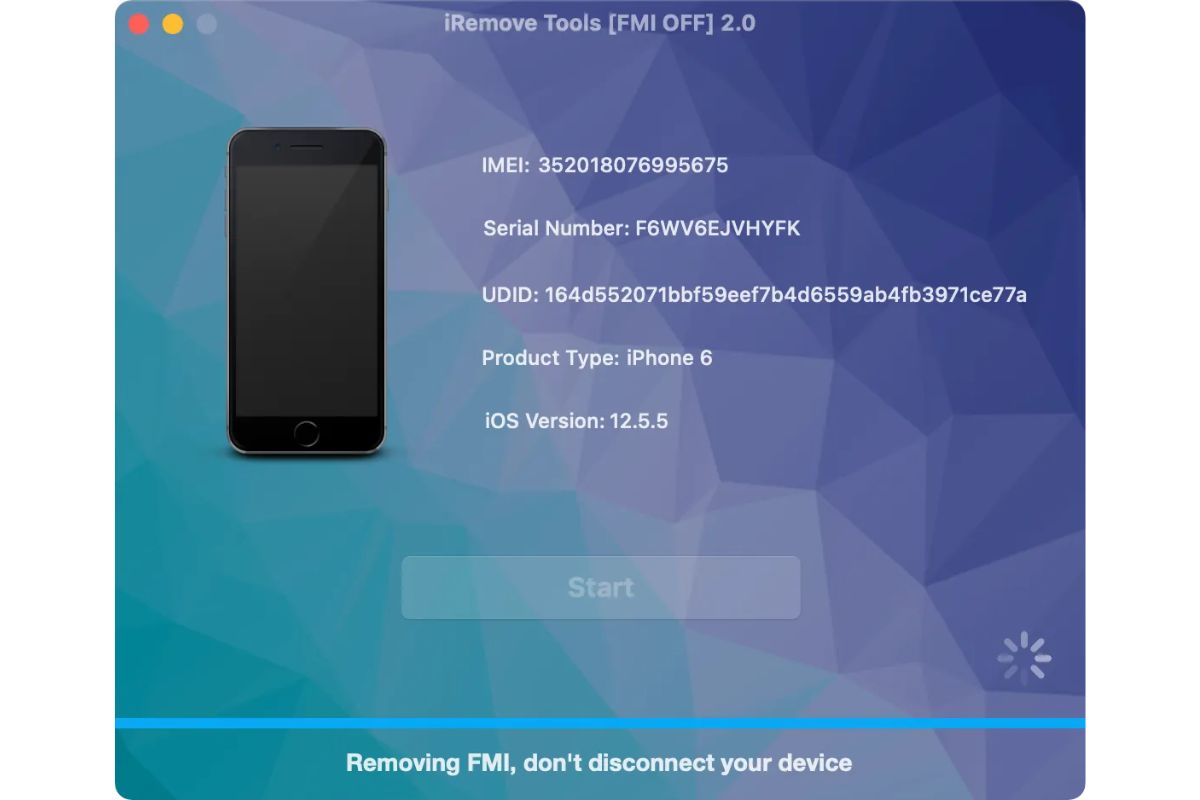
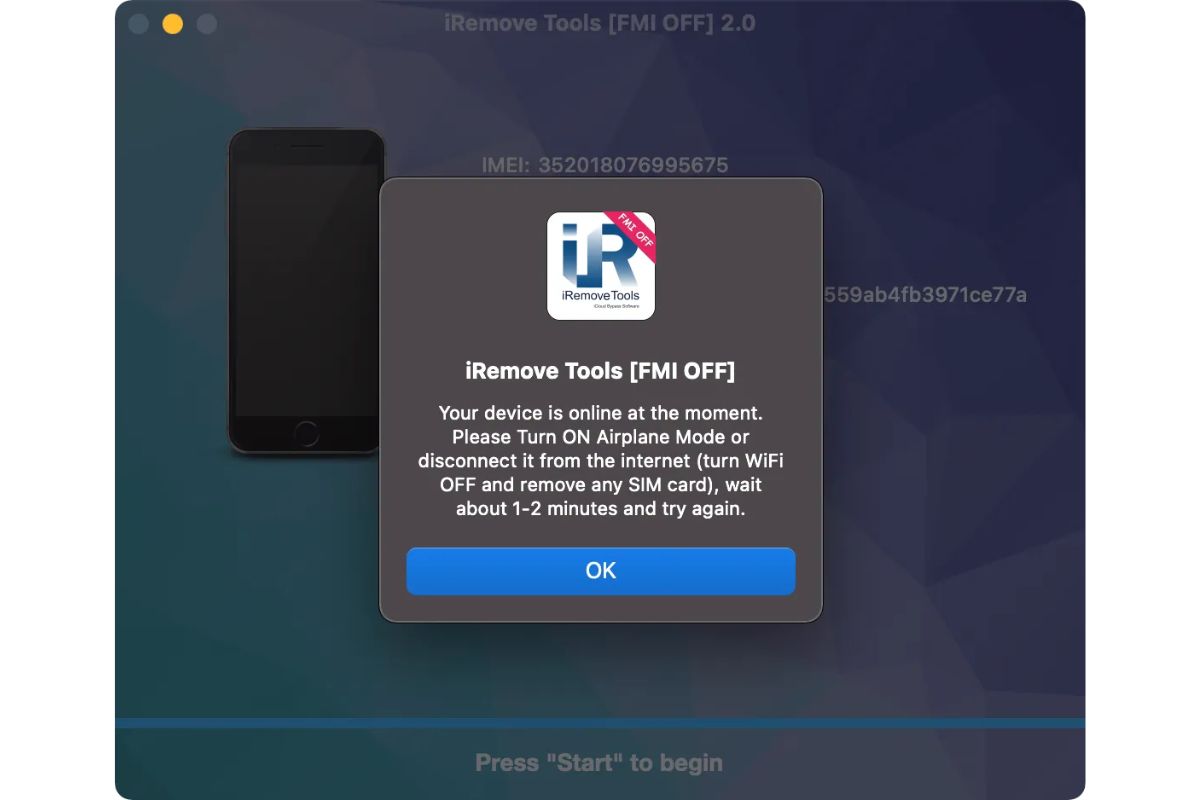
Instructions
While placing your order, indicate the IMEI of your iPhone / iPad. Where to find IMEI?
Customers Feedback
Compare
No items in compare list
Compare