iRemove EFI Password Remove for MacOS Devices [Data Erased version]
id: 909383
iRemove EFI Password Remove for MacOS Devices [Data Erased version]
General information
Warranty
USD 50.00
General information
![iRemove EFI Password Remove for MacOS Devices [Data Erased version]](https://i08.psgsm.net/all-spares.com/p/909383/80/iremove-efi-password-remove-for-macos-devices-data-erased-version.webp?ace47f72925ed3af98128725d3da5fec)
![iRemove EFI Password Remove for MacOS Devices [Data Erased version]](https://i06.psgsm.net/all-spares.com/p/909383/480/iremove-efi-password-remove-for-macos-devices-data-erased-version.webp?ace47f72925ed3af98128725d3da5fec)
Digital product. No refunds, no returns.
The order will be processed within 10-15 minutes during business hours, starting from the moment we receive your full payment. and all the required information. We will send the beginner instructions to your email.
This operation will remove EFI Password and all data stored on your Mac device. You will need to install a new Mac OS after completing the process.
Supported: MacBook Pro (2018-2020), MacBook Air (2018-2021), Mac Mini (2018), Mac Pro (2019), iMac Pro (2018).
USD 50.00
This operation will remove EFI Password and all data stored on your macOS device. You will need to install a new macOS after completing the process.

Supported models
- MacBook Pro
- A2251, A2289 (2020)
- A1989, A1190, A2159, A2141 (2019)
- A1190, A1989 (2018)
- MacBook Air
- A1932 (2020)
- A1932 (2019)
- A1932 (2018)
- Mac Mini
- A1193 (2018)
- Mac Pro
- A2115 (2020)
- iMac Pro
- A1862 (2017)
Supported macOS Firmwares
- any macOS & Bridge OS version
How it works
- While placing your order, indicate the ECID of your macOS computer.
- When your order is completed, you will receive a notification to your email.
- Connect the locked computer to a fully workable one using a cable and USB type C port.
- Download iRemove software
- Install the software on a fully workable macOS computer.
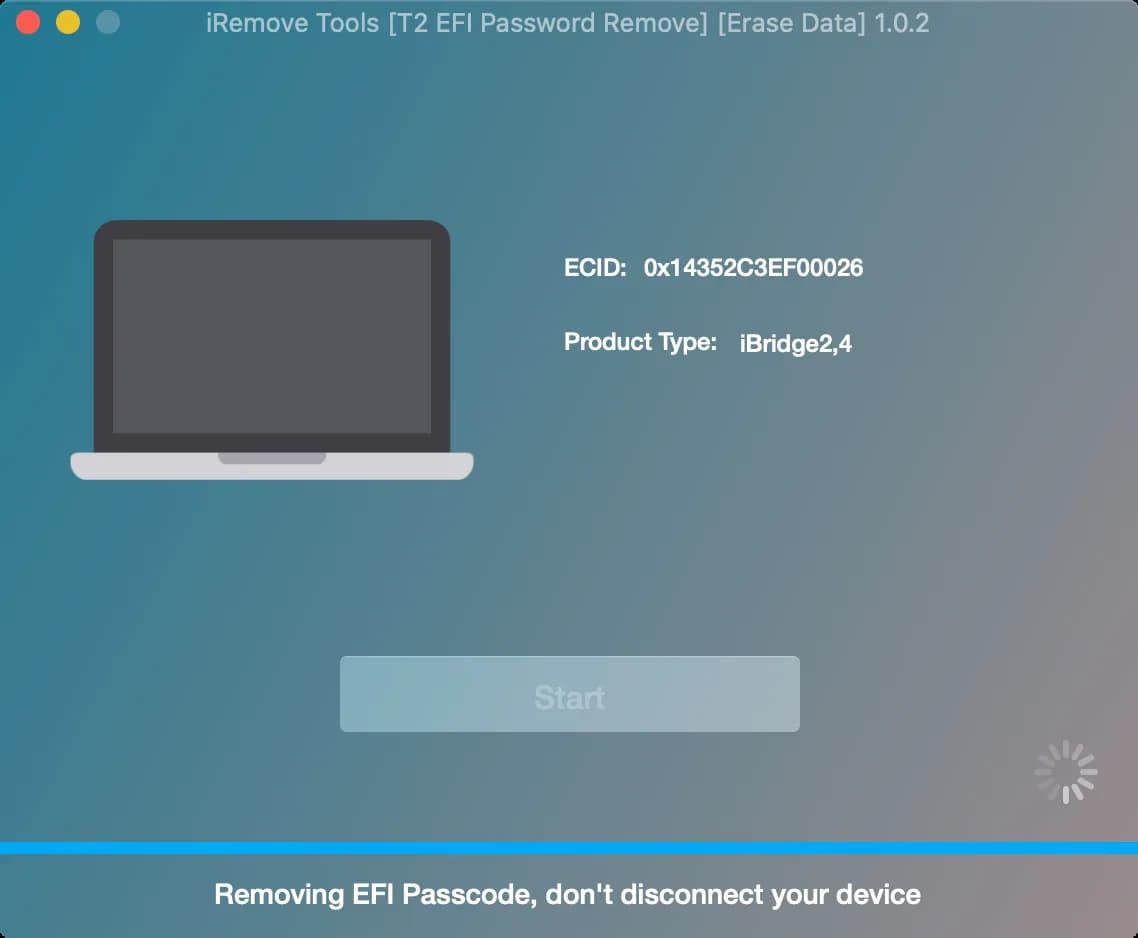
- Run the software and follow the instructions on the screen.
- Press the Start button on the iRemove screen to begin EFI decoding process.
- As soon as the EFI passcode is removed, the previously locked Mac will turn off.
- To complete the process, please install macOS using Recovery Mode (Command + R) or Internet Recovery Mode (Command + Option + R).

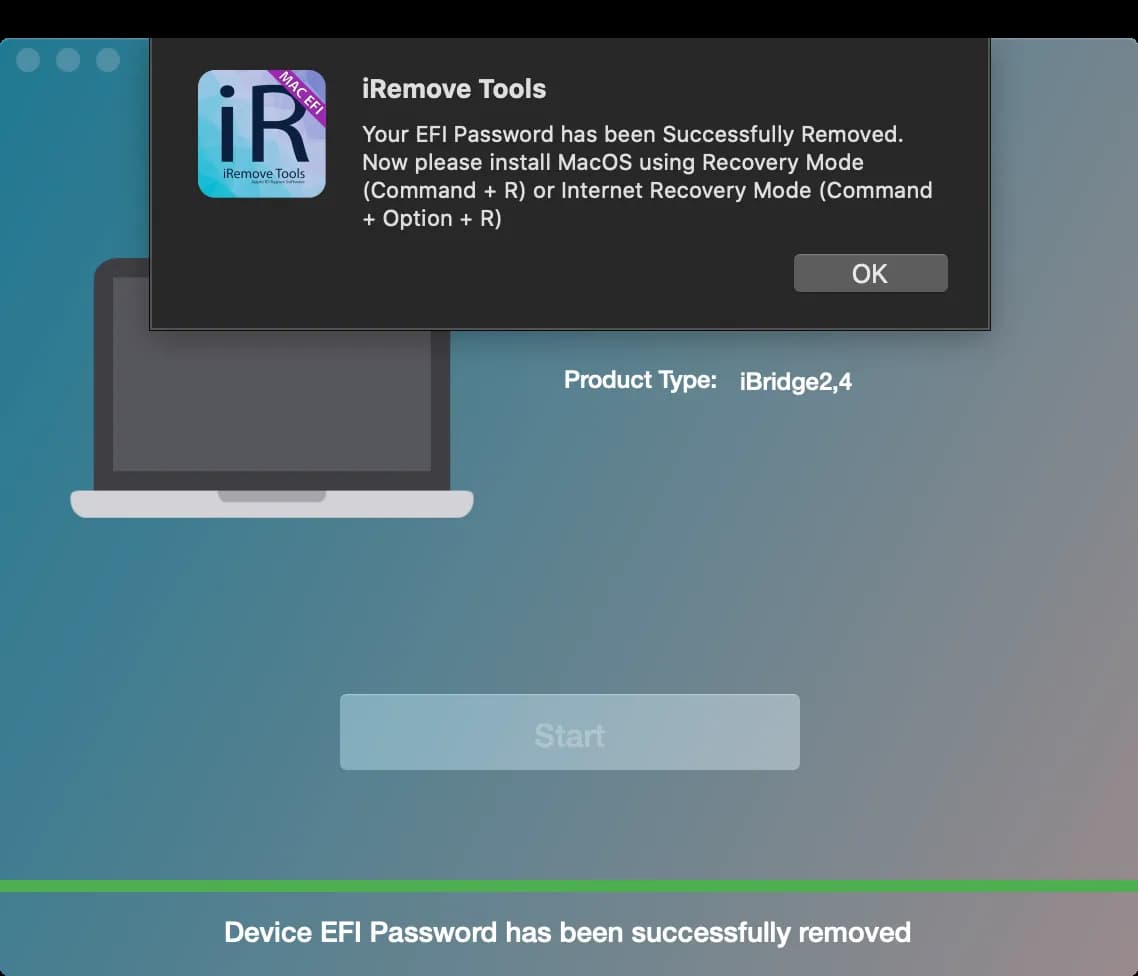
Now you can start using your device without any limitations. It has no EFI firmware password anymore!
Customers Feedback
Compare
No items in compare list
Compare